1
Add your mix
Drop a WAV, MP3, FLAC or AIFF up to 200 MB. The analysis shows loudness, true peak, dynamics and issues.
- of your audio uploaded
- 0 bytes
- mix issues the analysis checks
- 13
Audio mastering online, right in your browser
AI mastering on AI-Mastering.org runs free in your browser: download a WAV or MP3 320 with no upload, no sign-up and no watermark. It measures loudness, true peak and tone, then masters to -14 LUFS and -1 dBTP for Spotify, or Apple Music, YouTube and 5 more targets.
Starlight Signal: an AI-generated mix, turned down to leave headroom. Mastered with Master free, Balanced, for Spotify.
Drop your mix to master it
Get a loudness check, a target for your platform and a master you can compare before you download.
WAV · MP3 · FLAC · M4AAAC · OGG · OPUS · AIFF
WAV, MP3, FLAC, M4A, AAC, OGG, OPUS, AIFF · Up to 200 MB and 15 minutes
Your song stays in your browser. The audio is never uploaded.
Three steps
Master tracks online free in three steps. Master free downloads the full song; AI Pro previews it first, and you sign in only to unlock it.
Five styles
Master free always uses Balanced. AI Pro Master opens all five styles, an intensity slider and reference song matching, with a full song preview before you pay.
Each style rendered by the engine on the Starlight Signal sample for Spotify.
Tone in 8 bands vs a neutral curve. Starlight Signal with the Rainy Desk master as the reference.
Add a released song you like: each band moves 75% of the way toward it, within 4 dB either way, while the true peak stays under your target ceiling.
How reference mastering works1 credit per AI Pro master: from 50¢ a song in a 10 song pack, or Unlimited at $7.99 a month with fair use.
Try AI Pro MasterMeasured twice
Loudness (ITU-R BS.1770-4), 4x oversampled true peak, clipping, dynamics, tone in 8 bands and stereo, measured before and again after every master.
A louder version almost always sounds better at first, so Match loudness turns the louder file down by the measured LUFS difference and you compare tone, not volume.
Starlight Signal sample, measured with the same meter as the workspace. The quieter file is never turned up, so nothing clips.
Never worse: if a stage makes clipping, phase, the mono low end, mud or harshness worse, it is switched off and the song is rendered again.
Starlight Signal sample, Master free, Balanced, Spotify target. On target means within 0.6 LU.
Signal path
Six audio mastering techniques run in order, each inside a fixed limit, and then the master is measured again.
Already loud or clipped mixes are only turned down, never pushed louder.
Release targets
One -14 LUFS, -1 dBTP master plays well on most platforms; a master per platform is optional. Pick one to see its level and where the number comes from.
Spotify recommends true peaks under -2 dBTP if you master louder than -14 LUFS, so SoundCloud and Loud use a -2 dBTP ceiling. Platforms can change their rules; check any file with the LUFS meter.
Who it's for
Free song mastering for singles, beats, AI songs and band demos, set to the way each platform plays them.

Mastering music for streaming before it goes to your distributor: a 24-bit WAV for the upload and an MP3 320 for previews.

Master beats and demos in seconds, at the same loudness every time you send one to an artist.

Mastering AI songs from Suno: they are often already loud with peaks over 0 dBTP, so the level is set and the peaks held.

Hear what mastering does to a rehearsal mix or an EP track before you book anyone.
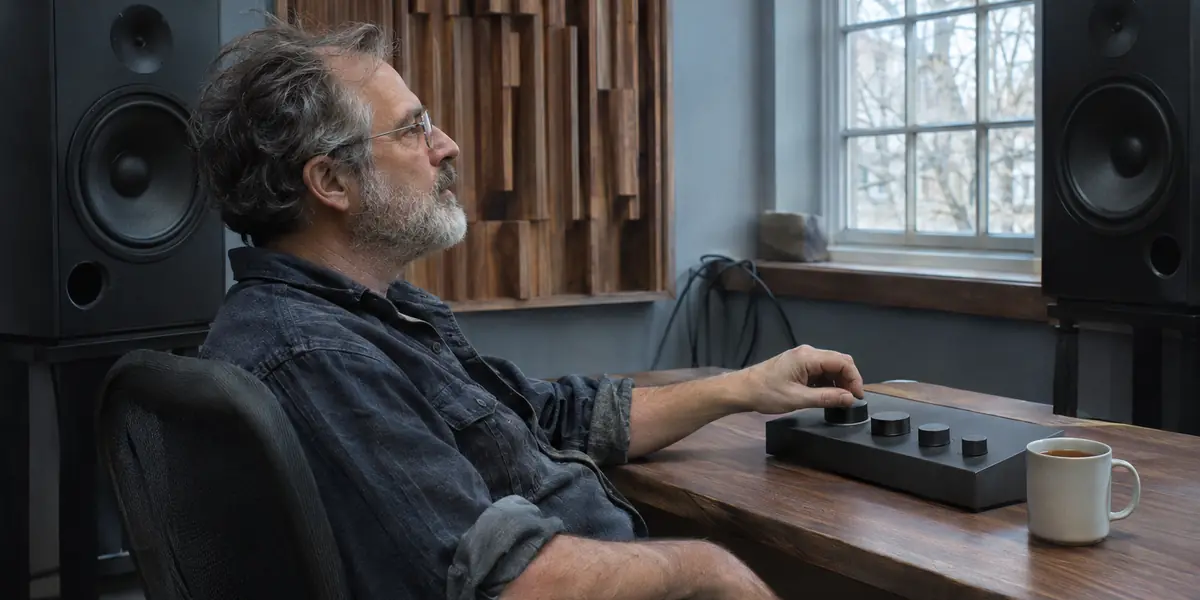
For a solid mix, AI gives you a measured master in seconds that you can compare at matched loudness. A skilled engineer brings judgment no tool has.
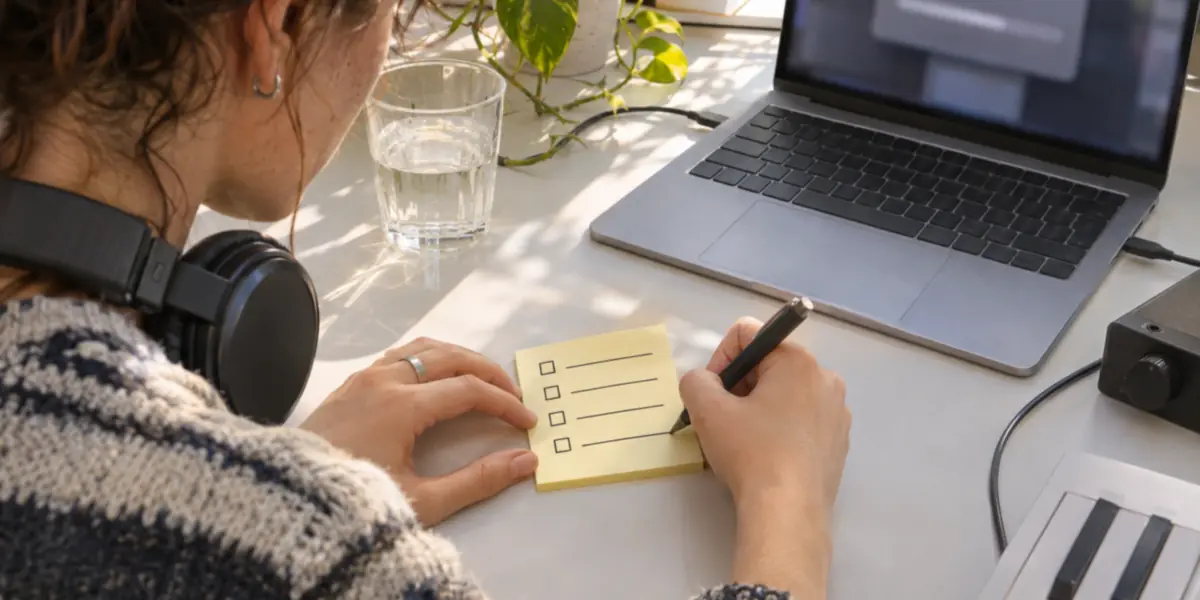
Two quick passes: before you export the mix, and before you download the master. The full mastering checklist goes step by step.
0 / 11
Pricing
Free mastering online costs nothing, as often as you like. AI Pro is one credit per song with no subscription needed, or Unlimited with fair use.
Listening is always free. Prices and plan details are on the pricing page; the cheapest route to a release ready song is in cheap mastering online.
More free audio mastering for the last mile: measure a file, see what each platform does to it, and learn the steps.
Questions
You can master unlimited songs free in your browser and download the full master as WAV or MP3 320, with no sign-up and no watermark. It is free online mastering, no sign up, not a trial: the AI mastering free tier plans each master from your own measurements, and you compare it with your mix at matched loudness before you keep it. Looking for the best AI mastering for your song? Try a few styles and trust your ears at the same level: that is free mastering music you can actually release.
Yes: Master free gives you the whole song to keep with no account, so mastering online free means the full file, and AI Pro plays the full master with a soft watermark, no sign-in; you sign in only to unlock the download.
Master free costs nothing, and song mastering free has no limit, so you can master music online free as often as you like. AI Pro is one credit per song with no subscription needed; credit packs and the Unlimited plan are on the pricing page.
No. Your audio is analyzed and mastered on your device and never uploaded; only measurements such as loudness and band levels are sent to plan the master, and we don't use your songs to train AI models. That makes it online audio mastering free of uploads.
Yes. You keep every right you have in your song, we claim no ownership of your master, and you can release it commercially with no royalties or credit owed. Only master songs you own or have the rights to release.
Spotify recommends -14 LUFS with true peaks under -1 dBTP (under -2 dBTP if you master louder); Apple Music is commonly measured at about -16 LUFS and YouTube at about -14 LUFS. SoundCloud and Loud get a -2 dBTP ceiling here because they sit above -14 LUFS. Every target and its source is in Spotify LUFS.
Usually not: one -14 LUFS, -1 dBTP master plays well on most platforms, and you can render a version per target, each named after it. Platforms still apply their own normalization, so a master may be turned down a little; mastering to the target keeps that small.
Not always: an engineer brings judgment for your genre and your album as a whole, while AI gives you a measured master in seconds that you can compare with your mix at matched loudness. Automated mastering used to mean one auto mastering preset for every song; here the AI music mastering plan starts from your measurements.
Export a 24-bit WAV at 44.1 or 48 kHz with peaks around -6 to -3 dBFS, normalization off and no loudness limiter on the master bus. Clipped peaks cannot be undone in mastering, so leave that headroom.
It isn't required, but a mastered 24-bit WAV with true peaks under -1 dBTP is the safer upload. If your question is 'should I master my song for DistroKid?', pick the Spotify target: -14 LUFS and -1 dBTP, a good default for every store.
Download the WAV from Suno, master it to the Spotify target and compare at matched loudness. AI songs are often already loud with peaks over 0 dBTP, so AI song mastering usually turns them down and cleans up the peaks instead of pushing them louder. Udio has switched off audio downloads, per its help center. More in Suno mastering.
Check integrated loudness, true peak under -1 dBTP, no clipping and mono compatibility, then listen on headphones and a phone; our report shows these before and after. Online song mastering only helps if you master the song you will actually release, so check the final export.
Because the louder version almost always sounds better at first. Match loudness turns it down by the measured difference so you judge the tone, not the volume; switch it off to hear the real levels.
Yes, with AI Pro: press Add reference and pick a released song you like. The plan moves each band toward its tone, within 4 dB either way, and its loudness toward the reference within your platform's range, with the true peak kept under the target ceiling. More in reference mastering.
Only partly: it can tame mud and harshness and set the level, but it can't rebalance a vocal or undo clipping, so fix those in the mix first. Mastering songs works best on a mix you already like.
A short audio mastering definition: it is the final polish of a finished song, setting its loudness, keeping peaks safe and evening out the tone so it plays well everywhere. If you have wondered what is sound mastering, it is the same step. Online sound mastering in AI-Mastering.org adds an AI master song plan, a free audio master in WAV or MP3, and a check that you master the song you meant to; it runs on Windows, Mac and recent phones with nothing to install. See mixing vs mastering for the difference from mixing.
Bring your finished mix, pick a platform and get a free master online in seconds. Free online mastering: audio stays on your device, with no upload and no sign-up.
Drop your mix to master it
WAV, MP3, FLAC, M4A, AAC, OGG, OPUS, AIFF · Up to 200 MB and 15 minutes
Your file opens in the mastering tool above and stays on your device.
